 ZynkUp
Put the full Buddy Week schedule in the calendar
Create a private group, add the week's schedule, and let new students join via QR code, link, or invitation.
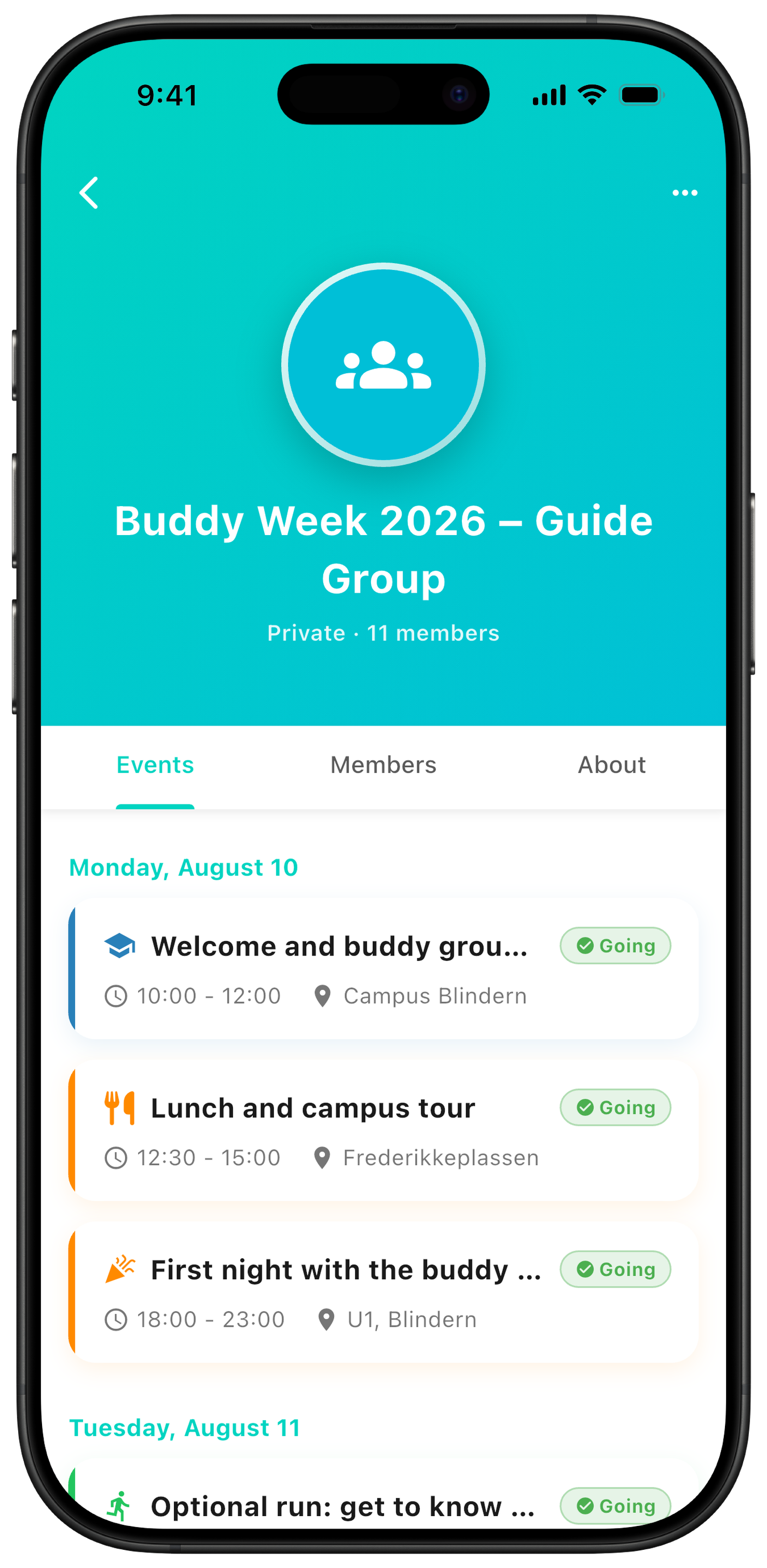
With a private buddy group in ZynkUp, every student gets the full Buddy Week schedule straight in their own calendar. No more digging through long message threads to find out where to be and when. Here's a short guide — from group to invitation to student.
Create the buddy group
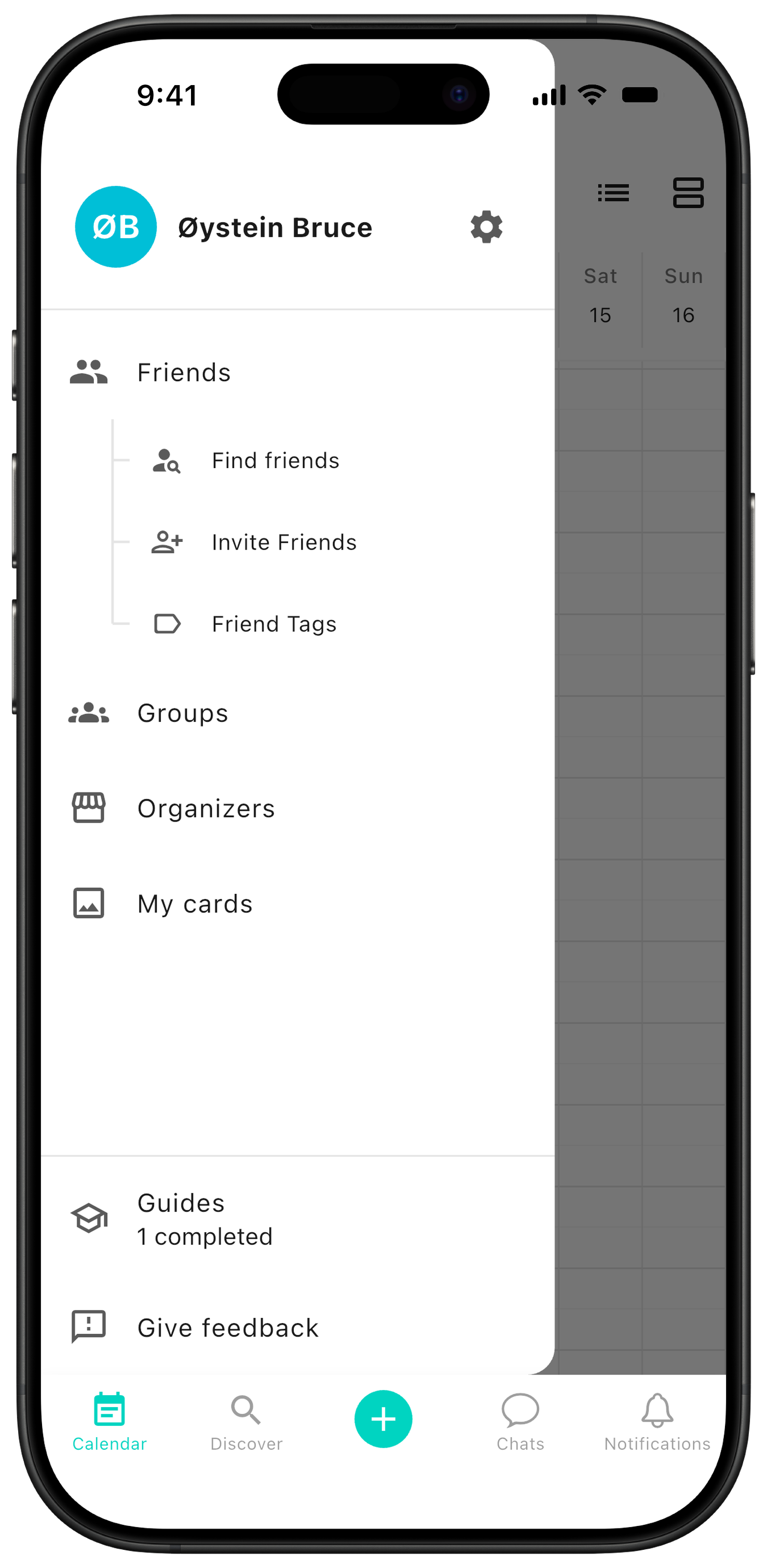
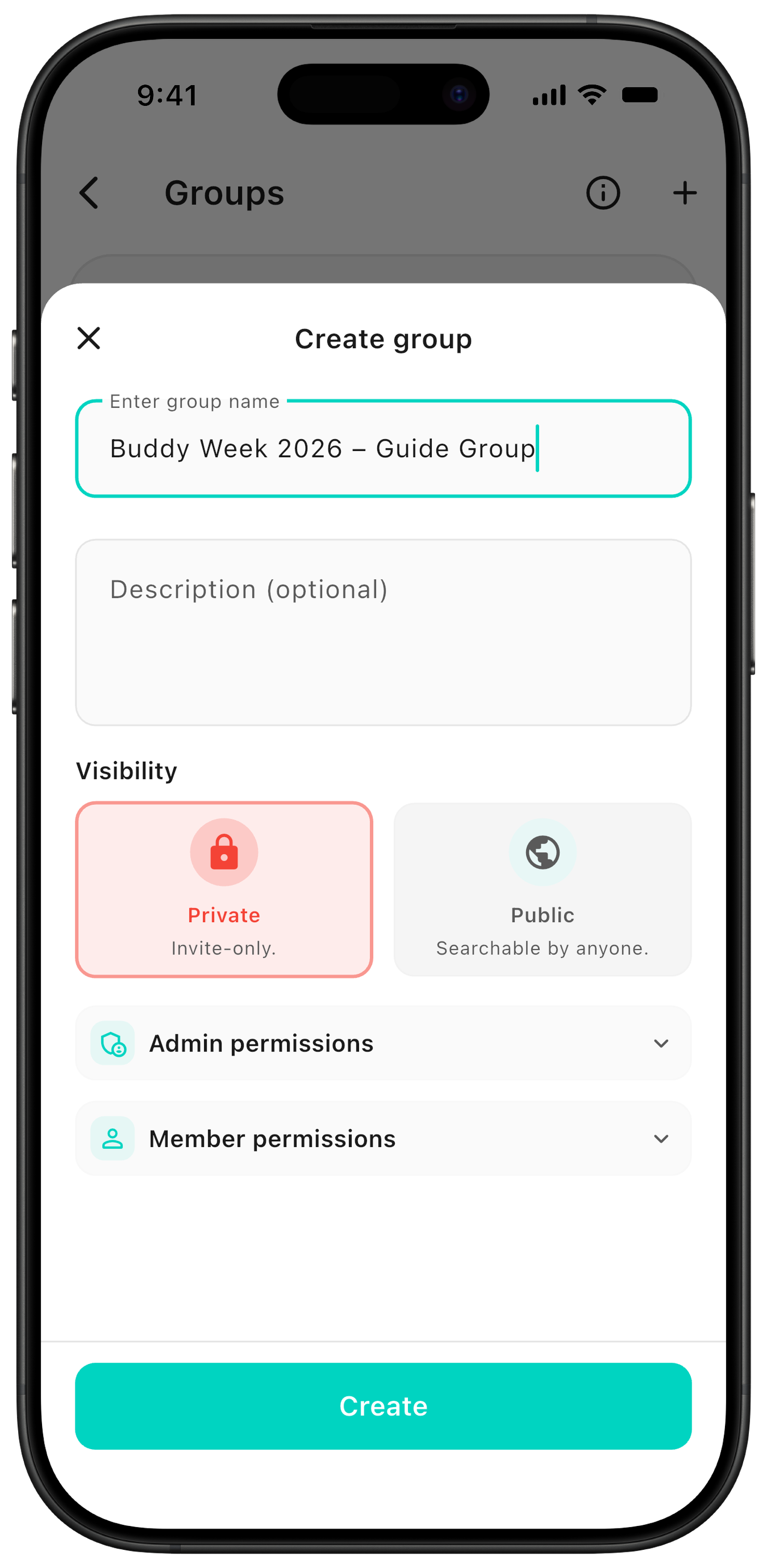
Open the sidebar and go to Groups. Give the group a name, add a description, and choose permissions for admins and members.
Recommended visibility: We recommend a private group for Buddy Week, where students need an invitation to join. A public group can be discovered and searched by anyone — choose it only if you need to publish public events.
Create events
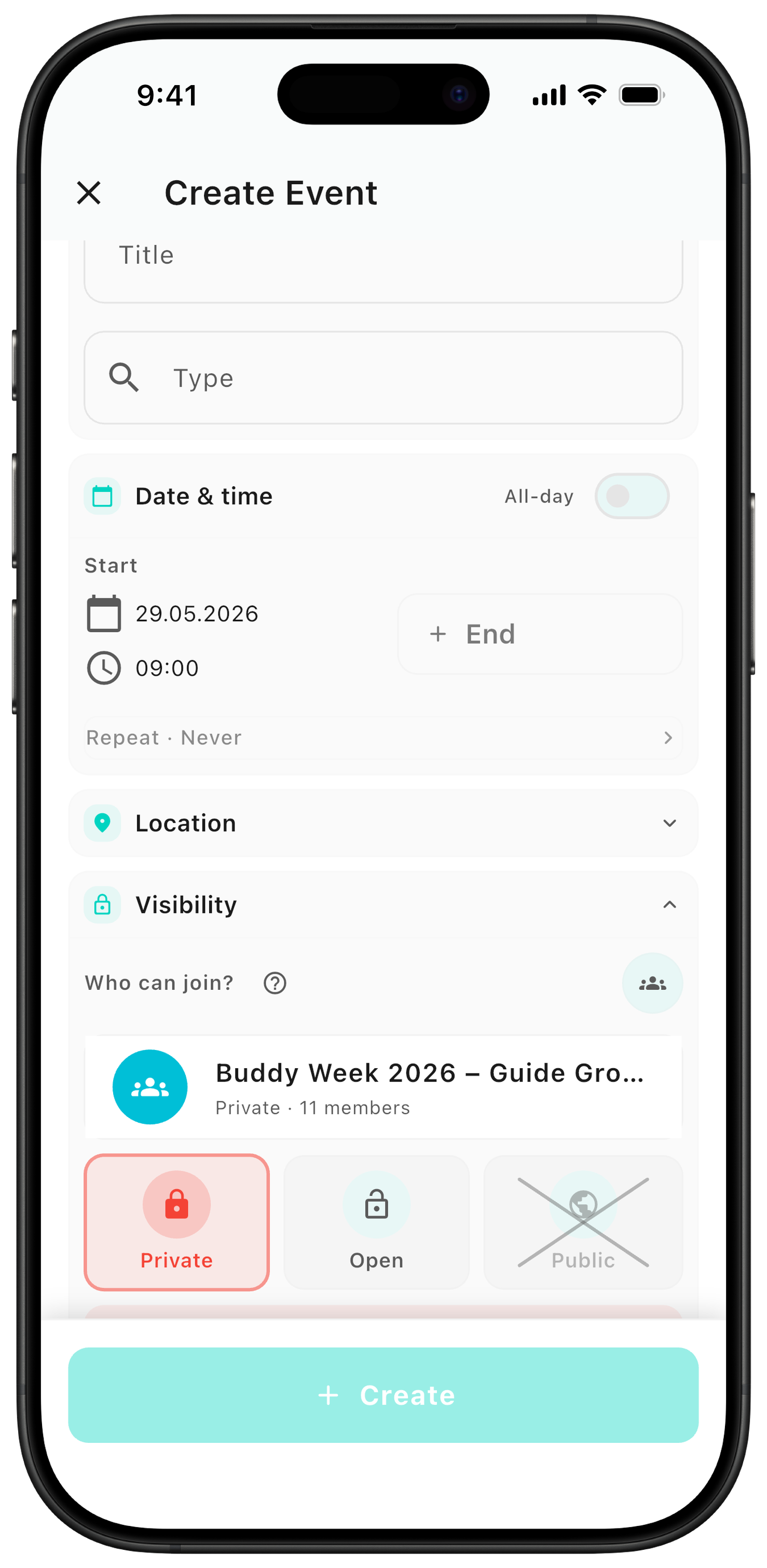
You create group events the same way as regular events — just make sure to choose the correct group under visibility.
Event visibility: In private groups, events are only visible to members. There are two ways to share them:
Private: use this for the Buddy Week schedule — the event is added automatically to everyone's calendar.
Open: use this for spontaneous activities or plans outside the official program. The event appears in Discover under For you and inside the group, but is not added automatically to the calendar. Here you also choose whether to notify the whole group.
Invite the students
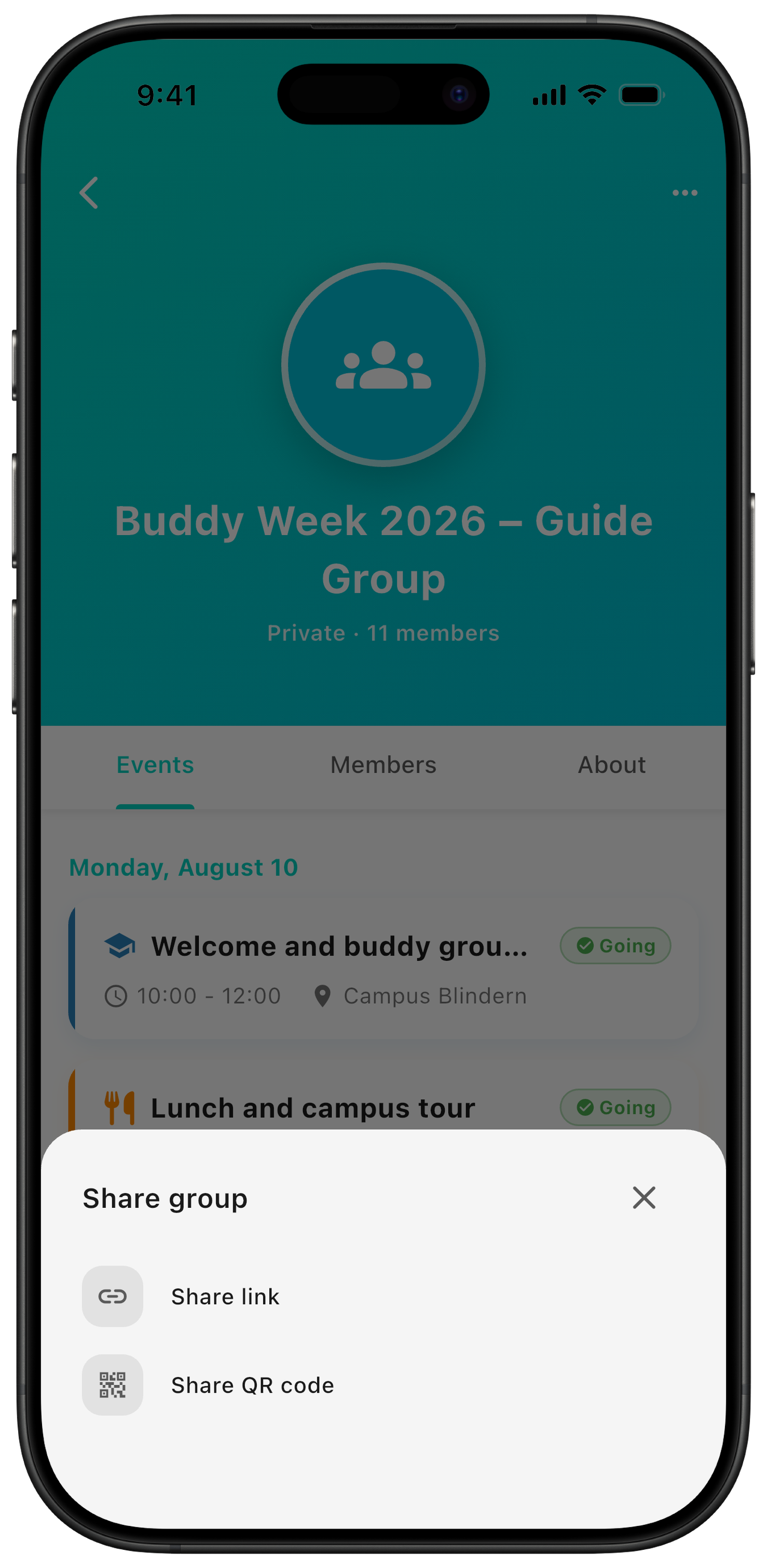
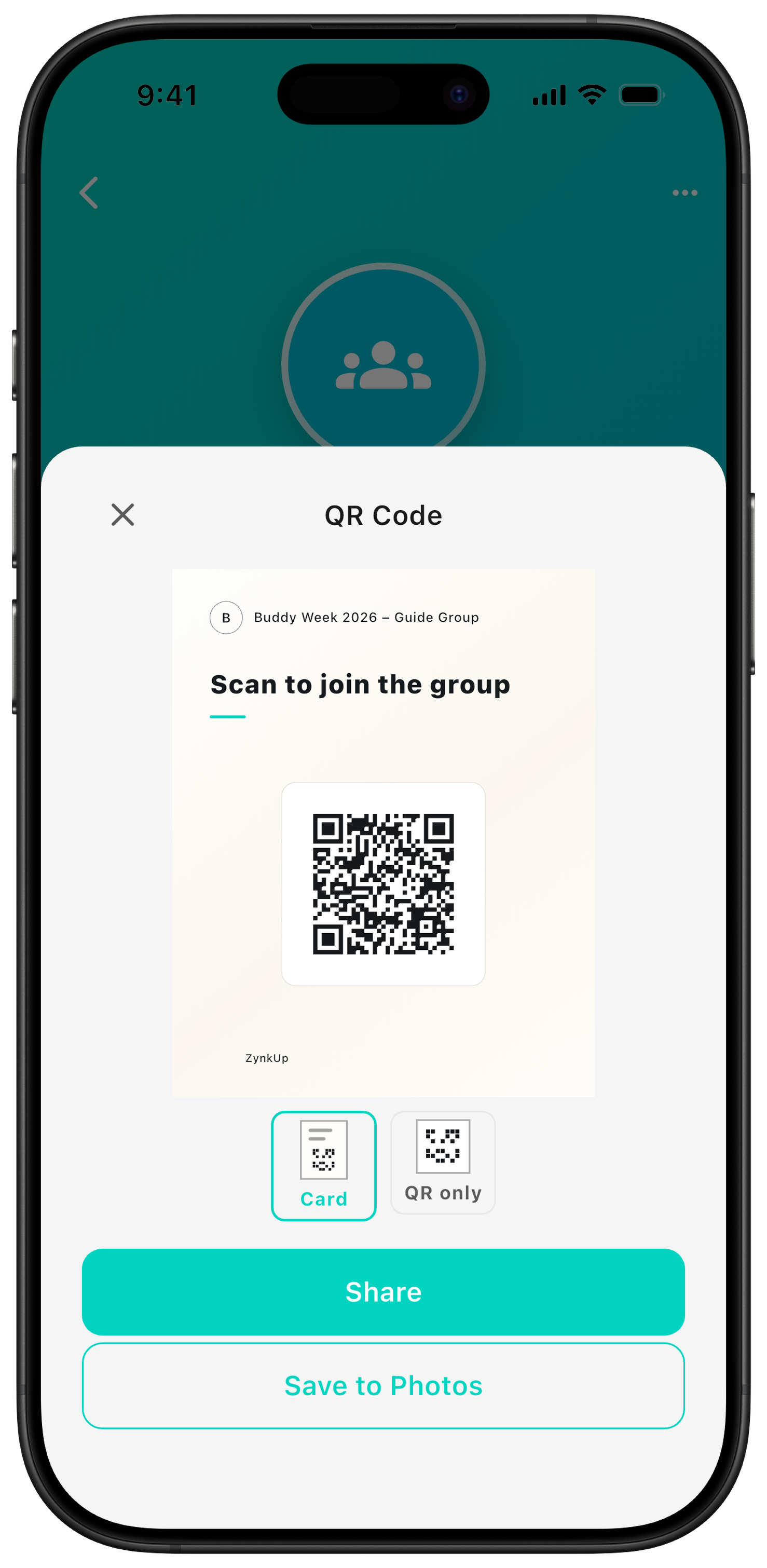
Group members with permission can invite friends by sharing the invitation link or the QR code students scan to join.
The student experience
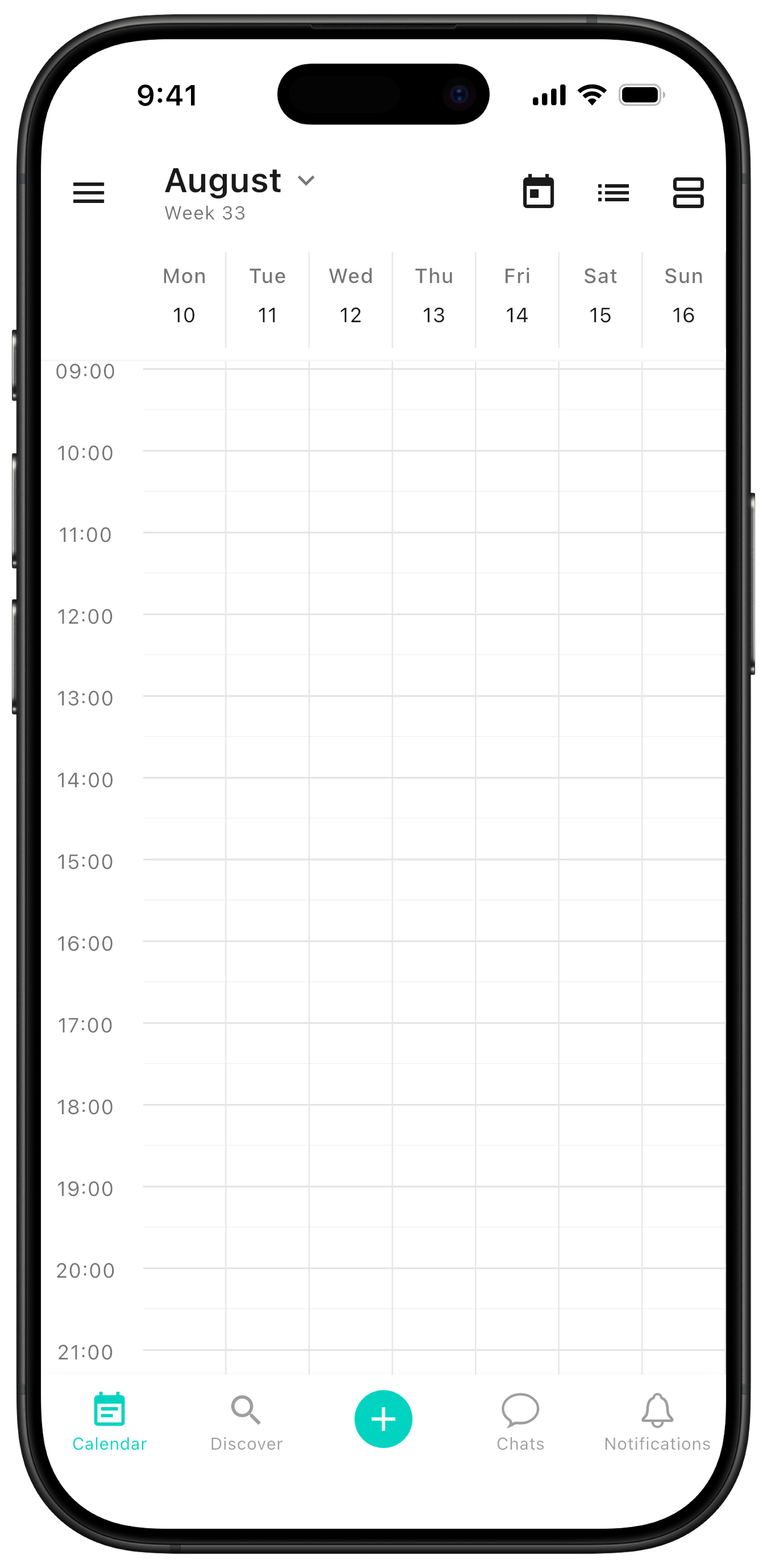
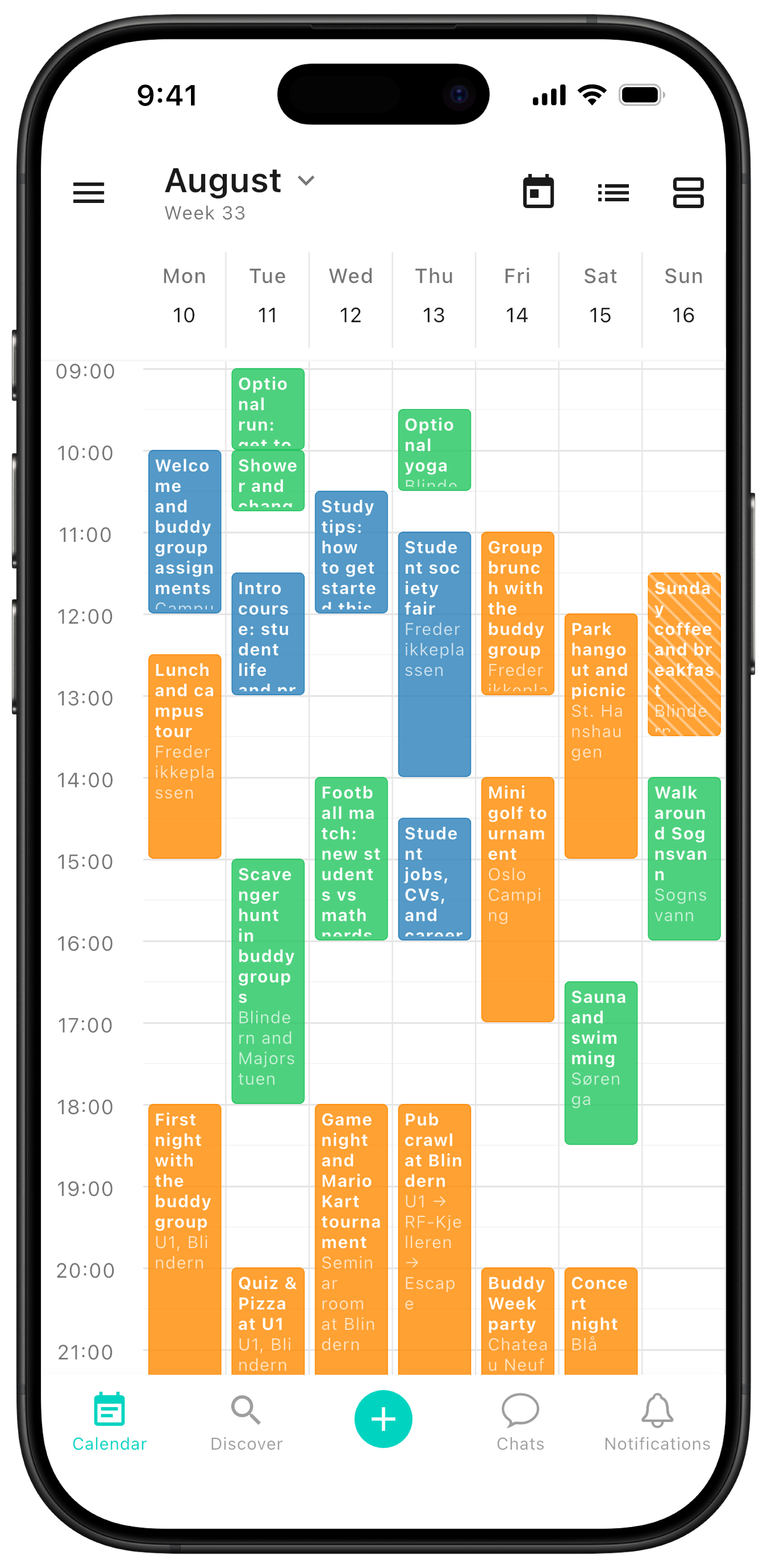
When students join the group, they get the full Buddy Week schedule directly in their calendar. That makes it easy to keep track of where to be and when.
Tip: ZynkUp can also be used as a calendar for plans beyond Buddy Week. Add fellow students as friends, so you can keep in touch and invite each other to activities later in student life.
Event details and chat
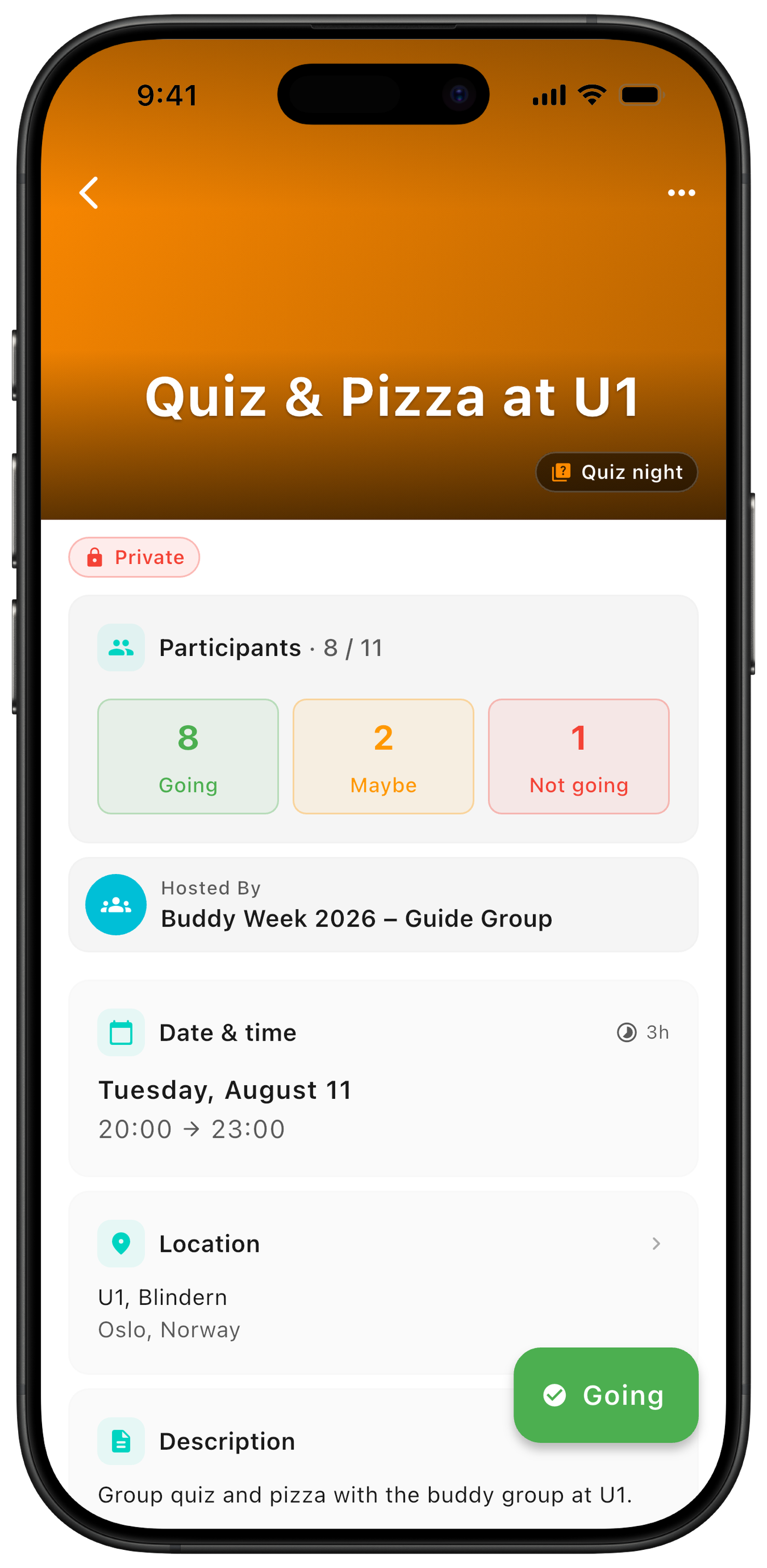
Each event has its own detail page. Here you can add extra information and send updates that participants are notified about.
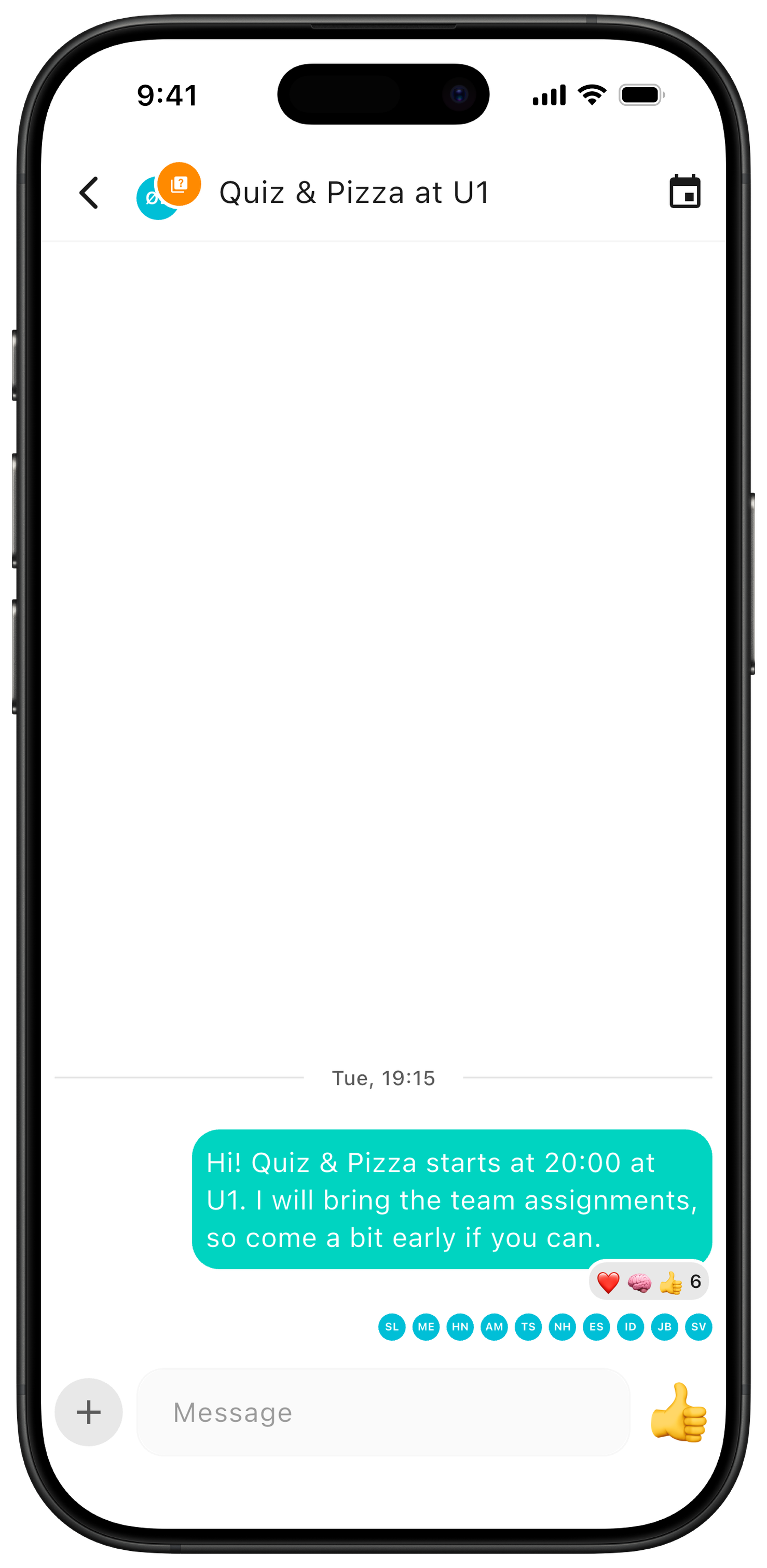
Practical info: on the detail page, you can create a chat connected to the event. That keeps questions about different plans out of one big chat — everything stays where it belongs.
Want new event types, missing functionality, or running into problems? Send an email to contact@zynkup.no.